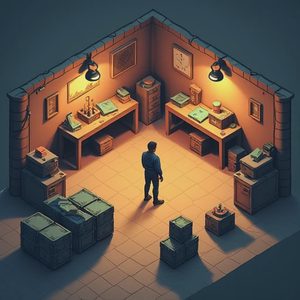
Skip the nonsense — here’s the route.
Most mid-early game frustration in survival-crafting titles comes from the same place: you accidentally built a resource chain that requires constant babysitting, long walking loops, or repeated manual steps that never quite pay for themselves.
You didn’t notice it happening. One station led to another. One “temporary” storage pile became permanent. One crafting step that felt fine at minute 40 became a chore at hour four. Suddenly every upgrade costs more time than it returns, and the run starts feeling like a second job.
This is avoidable.
What a healthy resource chain actually looks like
A good chain has three properties:
Short physical distance between gather → store → process → use
Clear input and output so you always know what is missing
Low attention tax — it should not need constant supervision once set up
If any of those three is missing, the chain will grind you down.
The common ways players build themselves into a corner
Scattered stations Workbench in one spot, forge fifty meters away, storage in a third location, and the main resource node in a fourth. Every craft becomes a walking simulator.
Unbuffered steps A process that requires you to hand-feed materials every few minutes with no intermediate storage. You cannot leave it. You cannot do anything else.
Premature automation Setting up conveyors, loaders, or advanced processors before the basic manual loop is even stable. Now you have two problems: the original resource need and a finicky system that breaks or backs up.
No “good enough” threshold Continuously expanding the chain toward perfect efficiency instead of declaring a level of output that actually covers the next progression goal and moving on.
The practical fix: design chains backward
Start from the end, not the beginning.
What is the final item or upgrade you need next?
What is the immediate input that craft requires?
Where does that input currently come from, and how many manual steps does it take?
What is the smallest change that reduces those steps or shortens the walking distance?
Work backward one link at a time. Stop when the chain is good enough to support the next goal without feeling like a second shift.
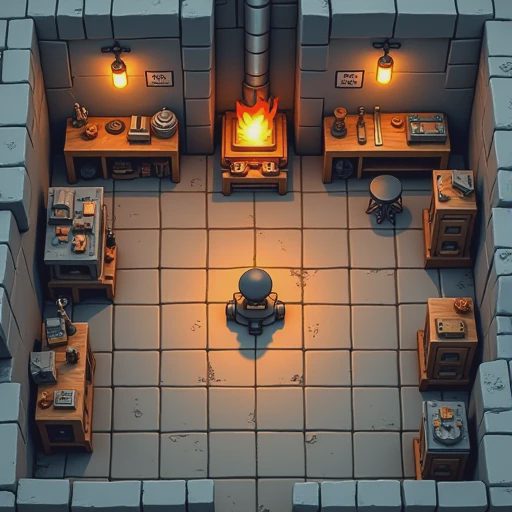
Concrete rules that keep chains human-sized
Co-locate related stations. If two stations are used in sequence, they should be close enough that you can interact with both without a travel montage.
Put storage in the middle of the loop, not at the edge. Materials should drop near where they will be used, not in a warehouse you have to visit as a special trip.
Buffer the annoying steps. Any process that currently demands constant attention gets a small input and output chest or pile so you can fill it, walk away, and come back later.
Cap the scope early. Decide the production rate you actually need for the next 1–2 hours of progression. Build to that rate. Do not future-proof for endgame volume while you are still in starter tools.
Kill loops that only exist to feed other loops. If a chain’s only purpose is to supply another chain that itself isn’t critical yet, pause it. Complexity compounds faster than most players expect.
The test I run on every chain
Stand in the middle of the setup and ask:
Can I complete one full cycle in under a minute of pure movement and interaction time?
Can I leave for ten minutes and come back without the system having failed or backed up in a way that costs me a lot to fix?
Does this chain directly enable the next progression step, or is it just making numbers go up?
If the answers are weak, simplify before you expand.
Bottom line
Resource chains should serve the run. The run should not serve the chains.
Keep distances short. Keep attention cost low. Build only to the rate you need right now. Review any loop that starts feeling like chores instead of progress.
Do that and the mid-game stops turning into a self-inflicted grind. You spend more time moving forward and less time maintaining systems that never quite feel finished.
Next time a station placement or a new processing step feels “temporary,” treat that feeling as a warning. Temporary setups have a way of becoming permanent problems.